Import/Export Device Configuration Files
The device configuration files can be exported to a local device for backup; and the configuration files of one device can be imported to multiple devices if they are to be configured with the same parameters.
Connect a storage device to your device. To import the configuration file, the storage device must contain the file.
-
Go to .
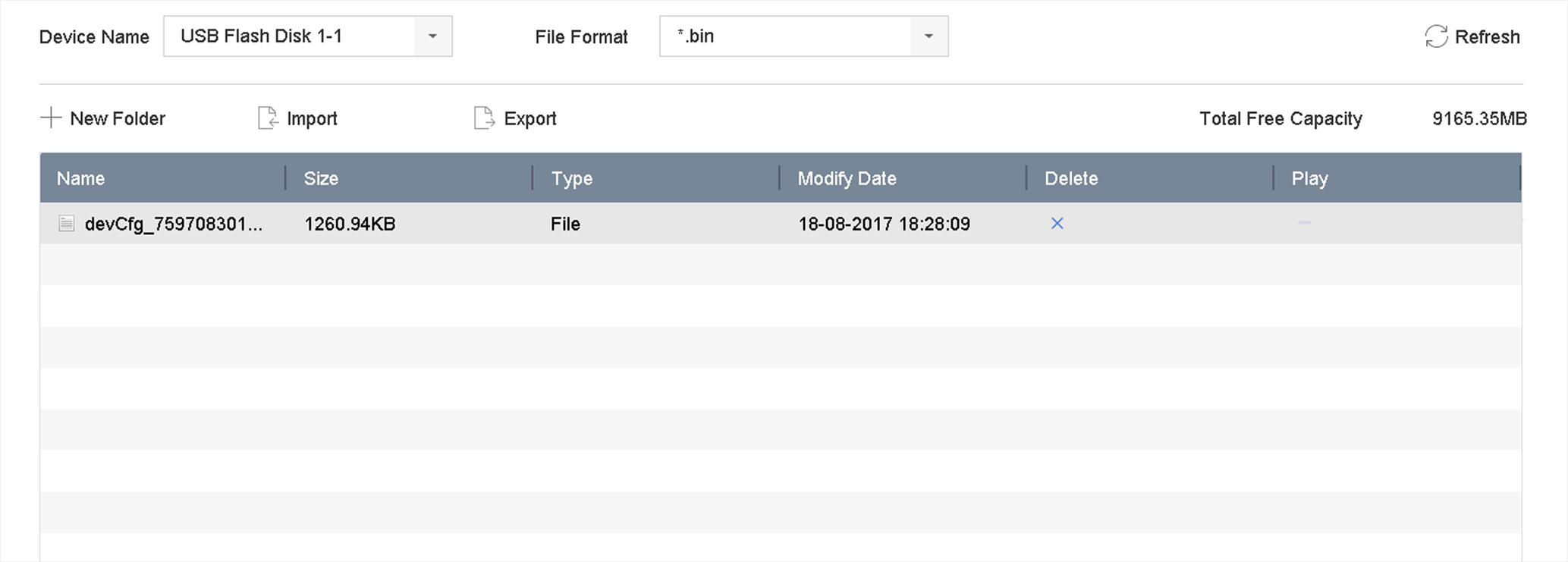 Figure 1 Import/Export
Configuration File
Figure 1 Import/Export
Configuration File