Upgrade by Local Backup Device

Connect your device to a local storage device that contains the firmware update file.

  1. Go to Maintenance > Upgrade.
  2. Click Local Upgrade to enter the local upgrade interface.
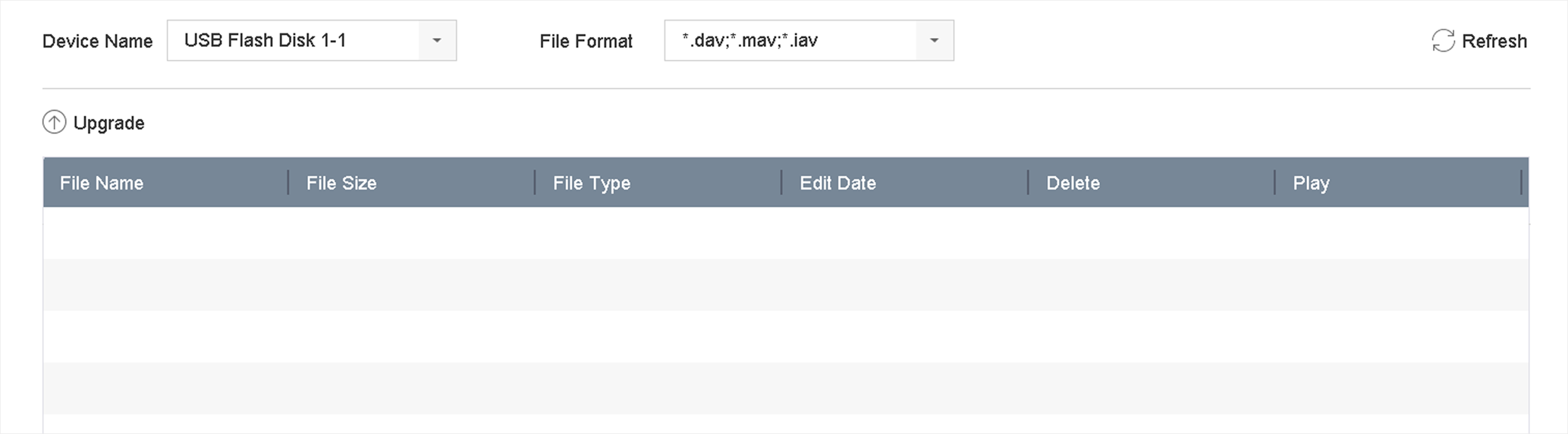
    Figure 1 Local Upgrade
  3. Select the firmware update file from the storage device.
  4. Click Upgrade to start upgrading.

    After the upgrade is completed, the device will reboot automatically to activate the new firmware.