Upgrade by FTP
Ensure the network connection of the PC (running FTP server) and the device are valid and correct. Run the FTP server on the PC and copy the firmware into the corresponding directory of your PC.
-
Click FTP to enter the local upgrade interface.
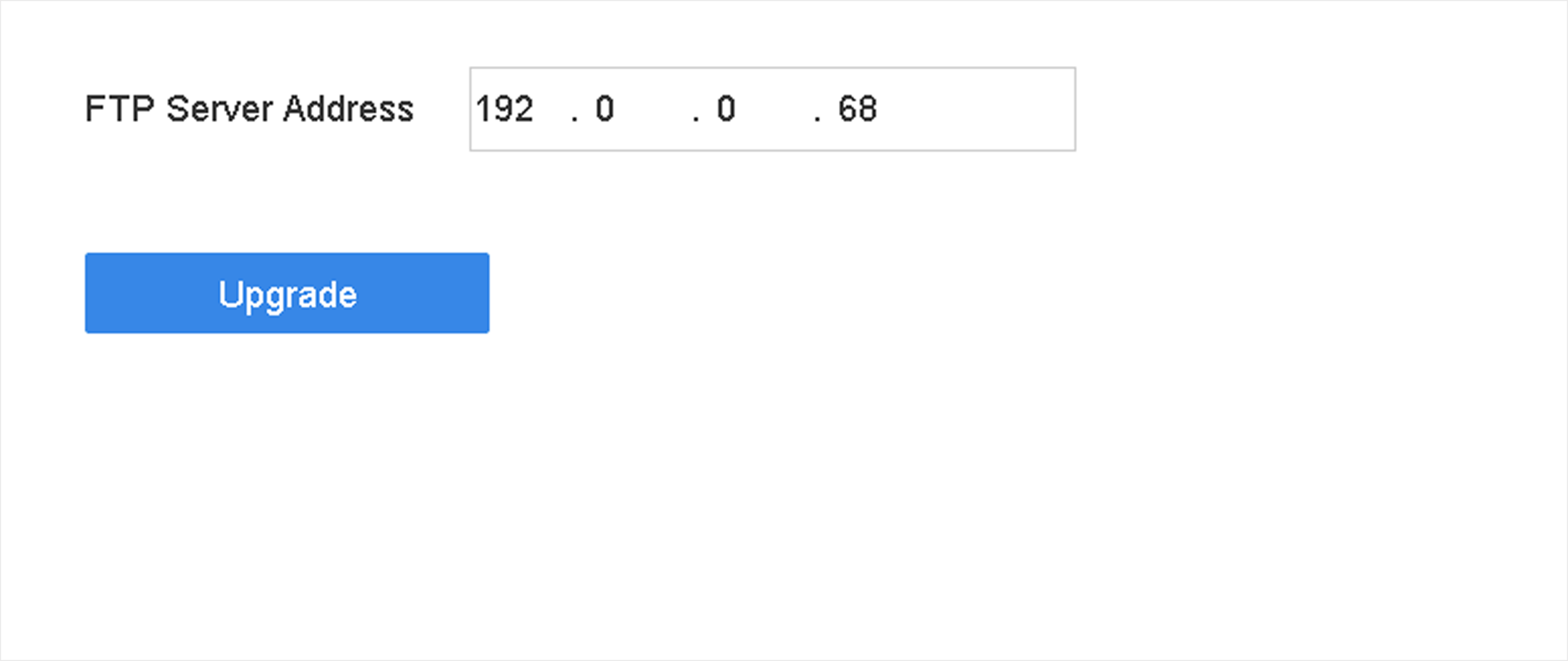 Figure 1 FTP Upgrade