Test Network Delay and Packet Loss
Network delay is caused by slow response of the device when oversized data information is not limited during transmission under certain network protocol, e.g. TCP/IP. Packet loss test is for testing network packet loss rate that is the ratio of lost data packet and total number of transmitted data packet.
-
Click Test.
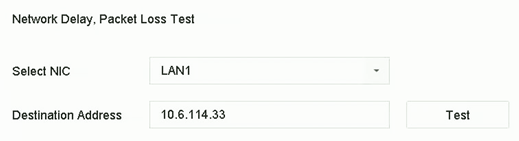 Figure 1 Test Network Delay and
Packet Loss
Figure 1 Test Network Delay and
Packet Loss