Export Network Packet
After the recorder accessing network, you can use USB flash drive to export network packet.
Prepare a USB flash drive to export network packet.
-
Select the USB flash drive in Device Name. You can click
Refresh if the connected local backup device cannot
be displayed.
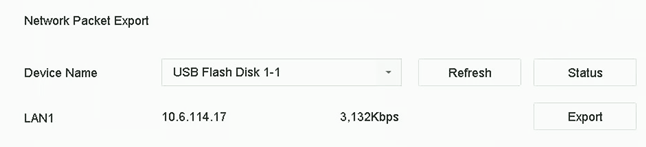 Figure 1 Export Network
Packet
Figure 1 Export Network
Packet