Bad Sector Detection
-
Click Self-Test to start the detection.
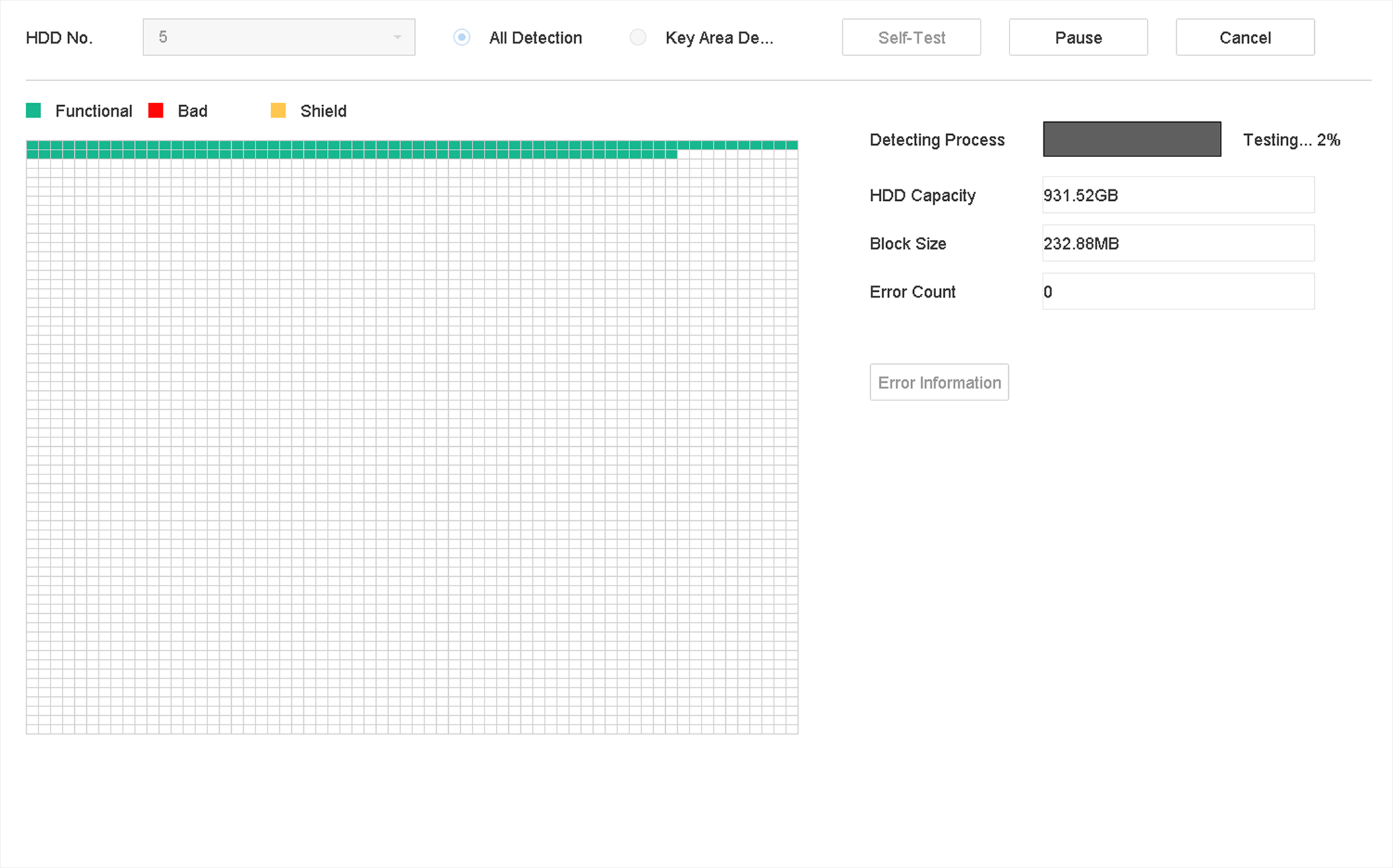 Figure 1 Bad Sector
DetectionNote:
Figure 1 Bad Sector
DetectionNote:-
You can pause/resume or cancel the detection.
-
After testing has been completed, you can click Error information to see the detailed damage information.
-