Configure Disk Clone
Select the HDDs to clone to the eSATA HDD.
Connect an eSATA disk to the device.
-
Go to .
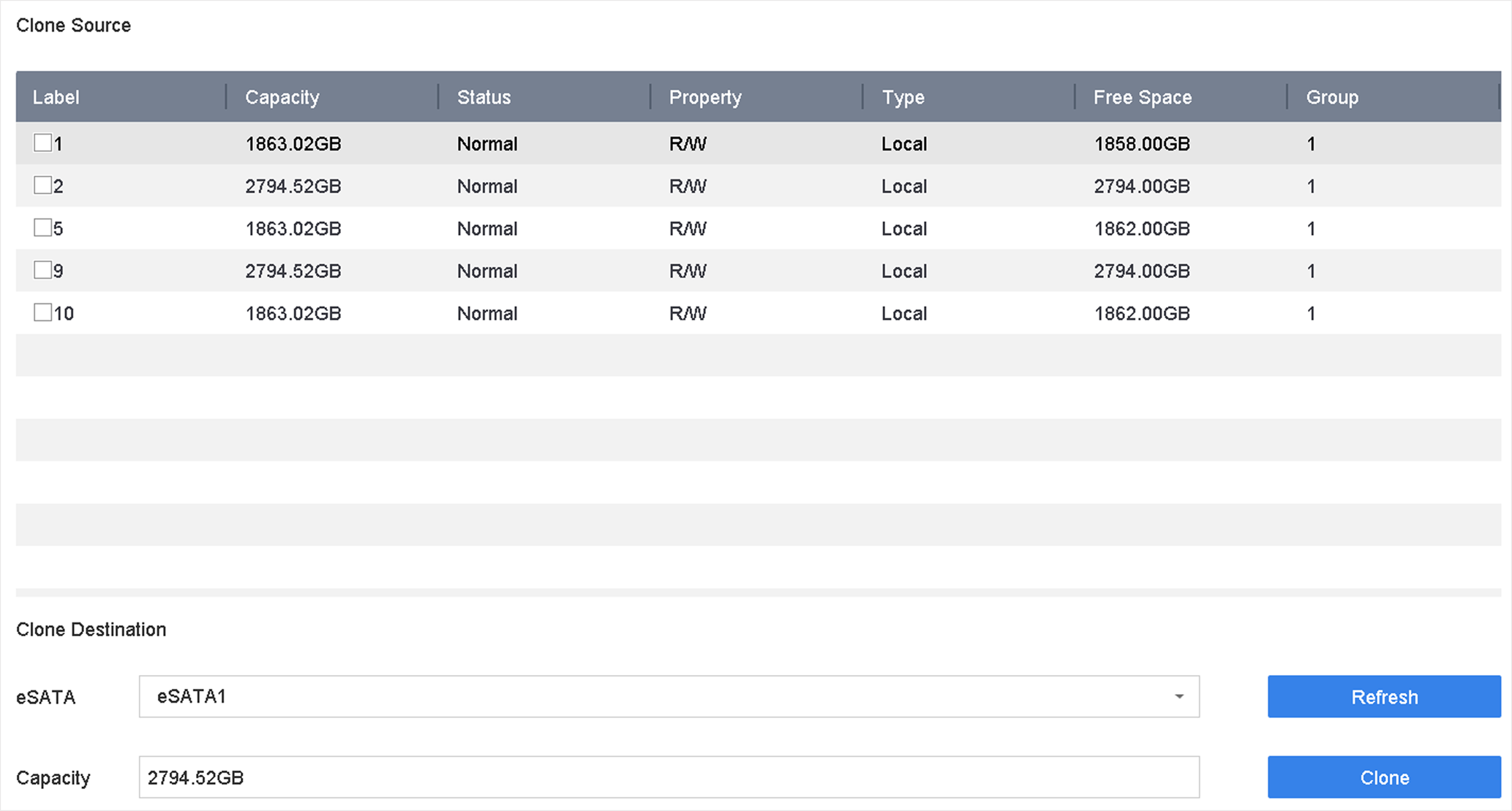 Figure 1 HDD Clone
Select the HDDs to clone to the eSATA HDD.
Connect an eSATA disk to the device.
Figure 1 HDD Clone