Configure DDNS
You can set Dynamic DNS service for network access. Different DDNS modes are available: DynDNS, PeanutHull, and NO-IP.
You must register the DynDNS, PeanutHull, or NO-IP services with your ISP before configuring DDNS settings.
-
Go to
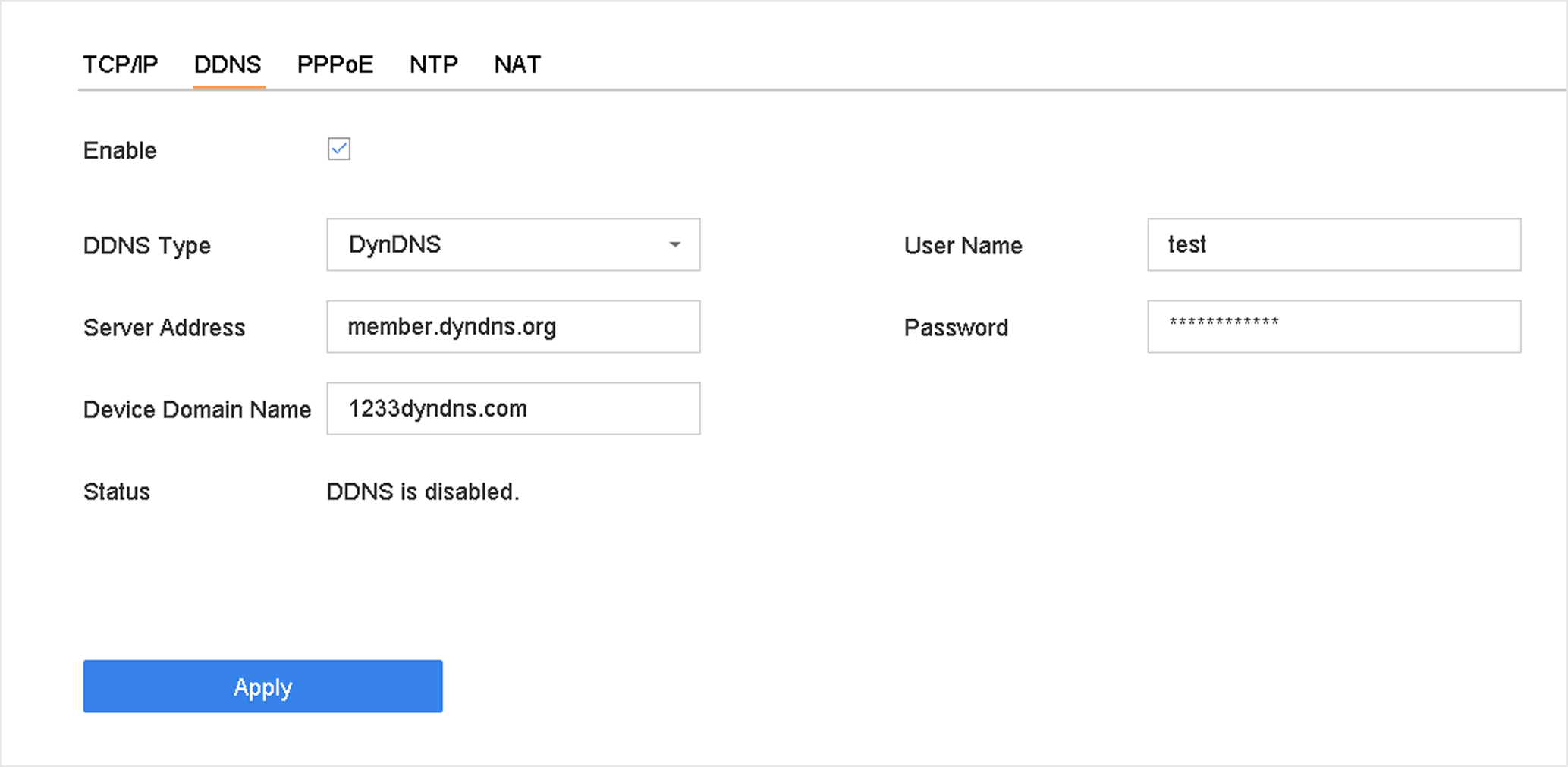 Figure 1 DDNS Settings