Search & Export Log Files
The device operation, alarm, exception, and information can be stored in log files, which can be viewed and exported at any time.
-
Go to .
 Figure 1 Log Search
Interface
Figure 1 Log Search
Interface -
The matched log files will be displayed on the list, as shown below.
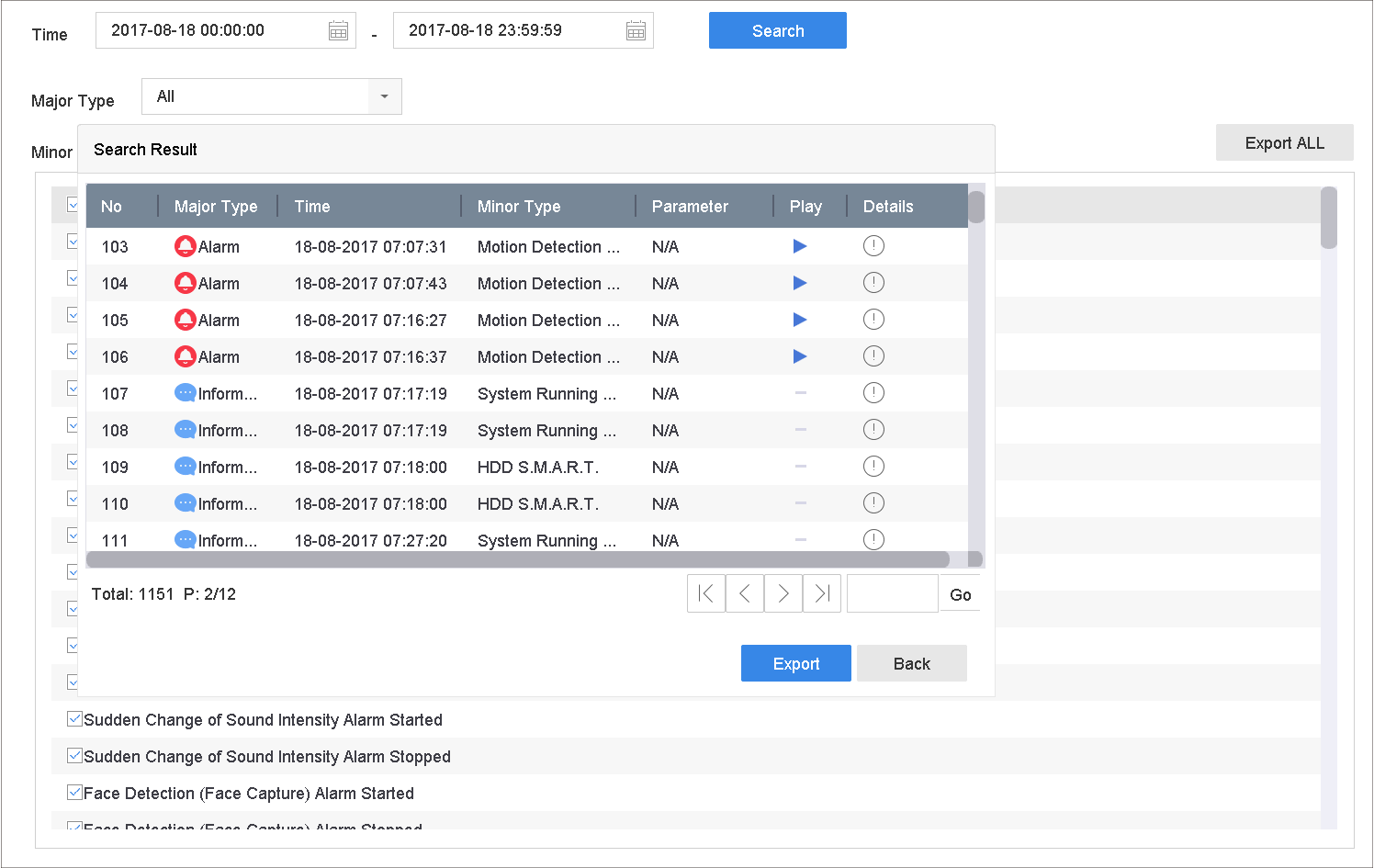 Figure 2 Log Search
ResultsNote:
Figure 2 Log Search
ResultsNote:Up to 2,000 log files can be displayed each time.
-
Related Operation:
Option Description 
Click or double-click it to view detailed information.

Click it to view the related video file.
Export/Export ALL Click it to export all the system logs to the storage device.