en-US
Upload Logs to the Server
You can upload system logs to the server for backup.
Go to
System
>
Network
>
Advanced
>
Log Server Settings
.
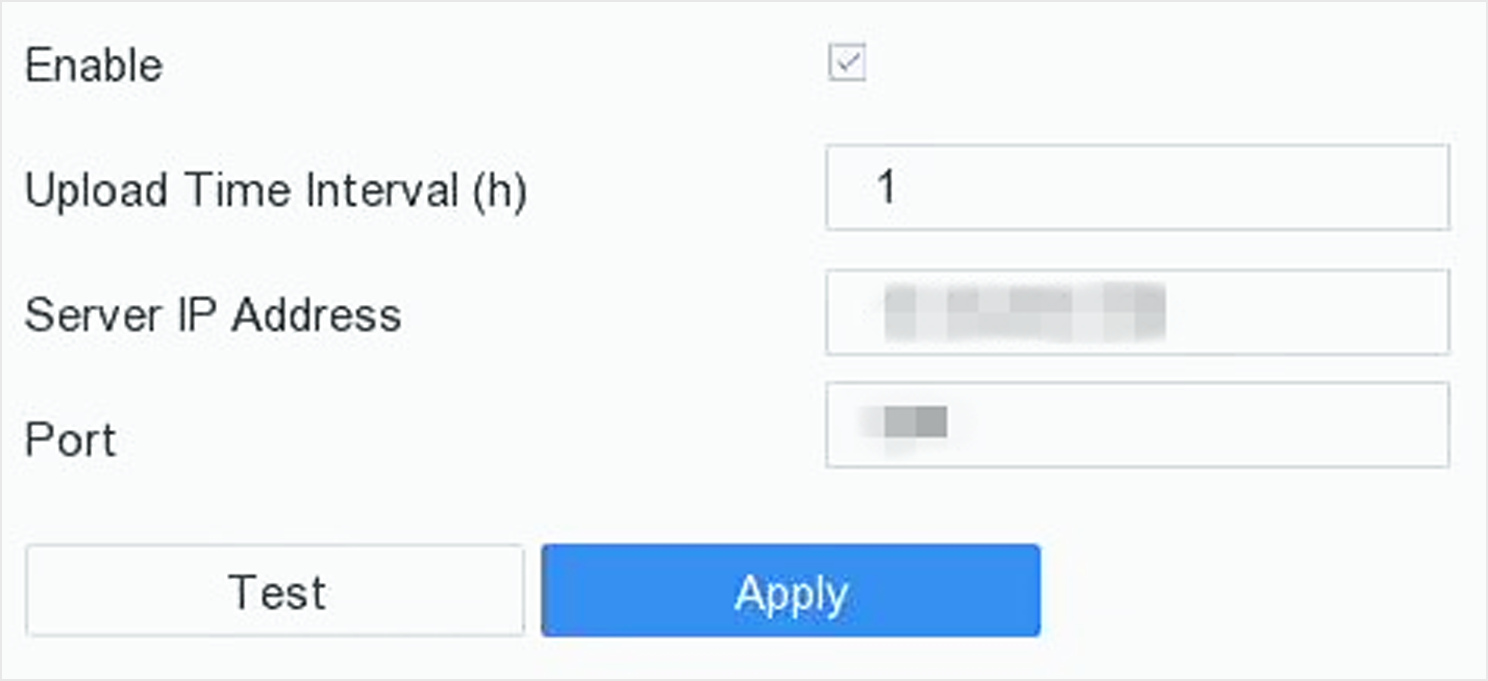
Figure 1 Log Server Settings
Check
Enable
Set
Upload Time
,
Server IP Address
, and
Port
.
Optional:
Click
Test
to test if parameters are valid.
Click
Apply
.
System Management
Configure Device
Configure Time
Audio Management
Configure Enhanced SVC Mode
Network Detection
Storage Device Maintenance
Upgrade Device
Import/Export Device Configuration Files
Log Management
Log Storage
Search & Export Log Files
Upload Logs to the Server
One-Way Authentication
Two-Way Authentication
Restore Default Settings
Schedule Reboot
Security Management