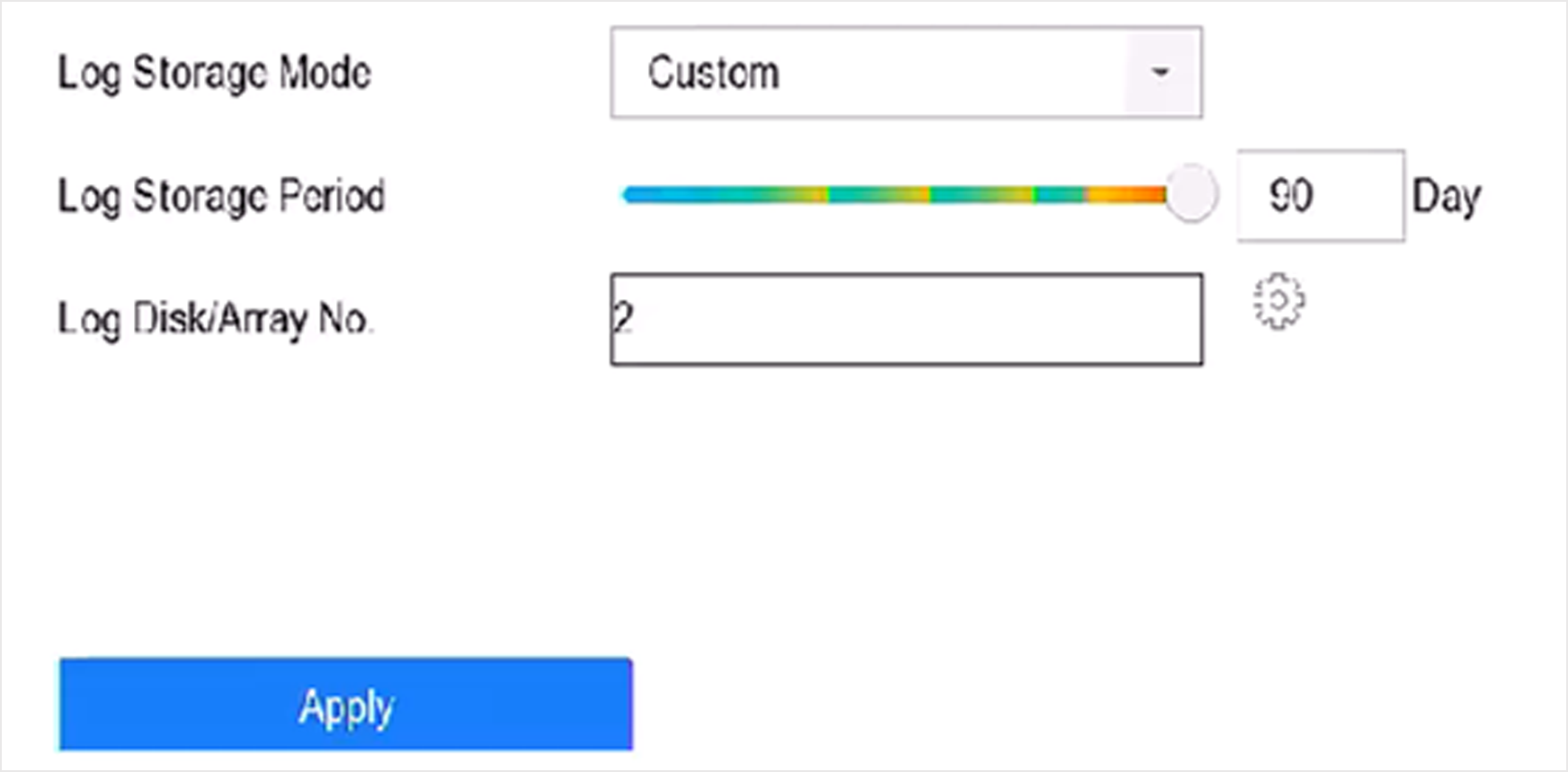
Log Storage

You can customize the log storage disk and log storage period.

  1. Go to Storage > Advanced.
    Figure 1 Log Storage
  2. Set Log Storage Mode.
    Option Description

    System Default

    Each disk will allocate a certain space to store logs in 6 months. After 6 months, old logs will be overwritten.

    Custom

    You can set Log Storage Period and allocate Log Disk for log storage. When the log disk is full, logs that exceed the period will be overwritten.

  3. Click Apply.